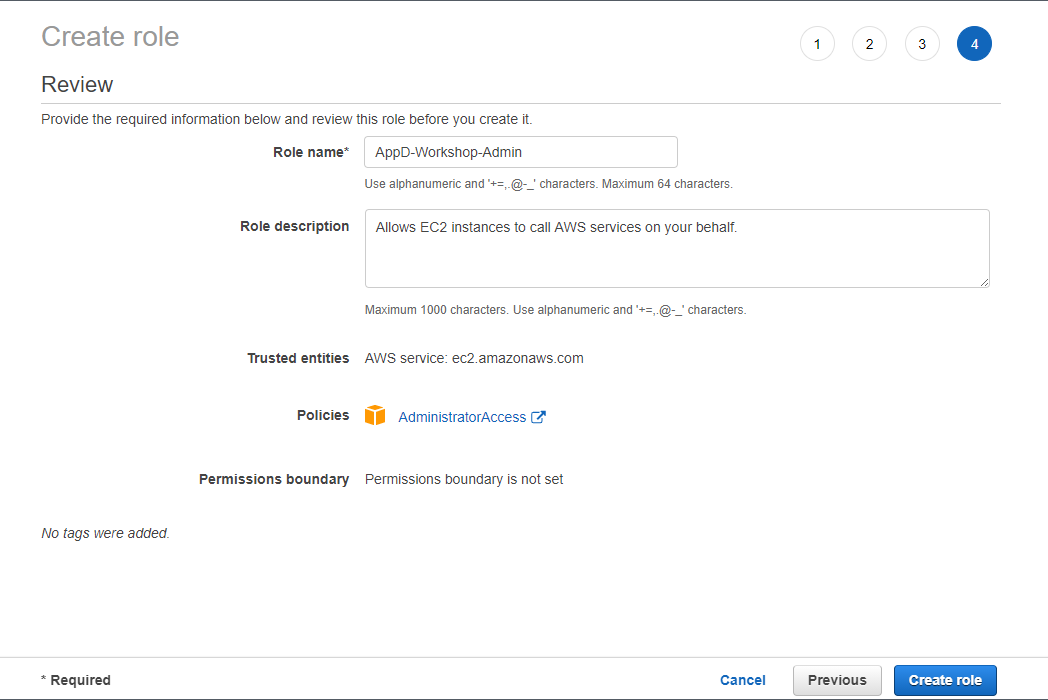
Create IAM Role for Workspace

| 1. | Confirm that AWS service and EC2 are selected, then click Next to view permissions. |
| 2. | Confirm that AdministratorAccess is checked, then click Next: Tags to assign tags. |
| 3. | Take the defaults, and click Next: Review to review. |
| 4. | Enter AppD-Workshop-Admin for the Name, and click Create role. |